Training & Courses
The Training module lets you manage your dive course offerings, student enrollments, payments, and course schedules.
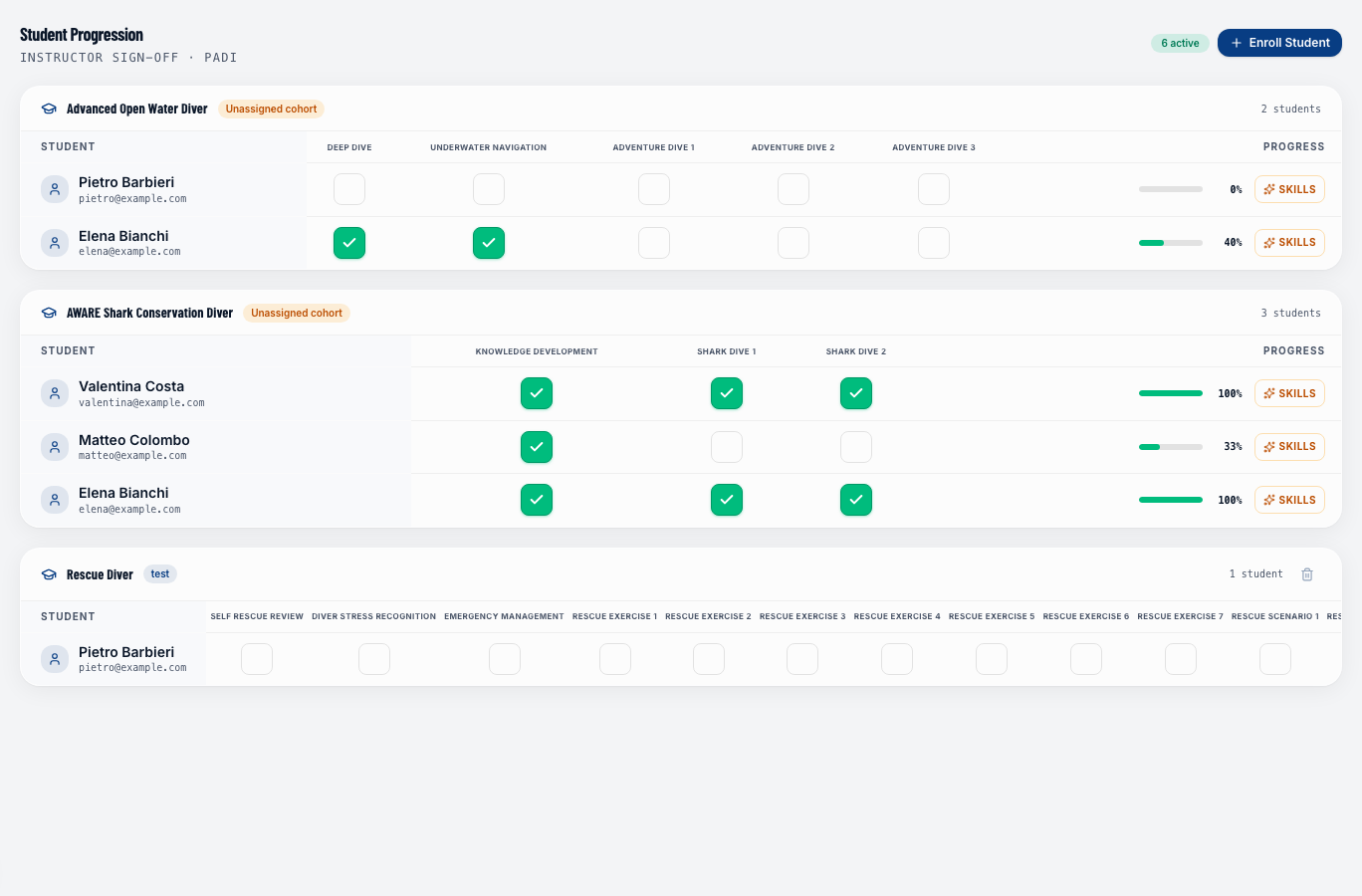
Course catalog
The course catalog is where you define what courses you offer. Go to Training → Catalog to see and manage your courses.
For each course you can configure:
- Name — e.g., "PADI Open Water Diver", "Advanced Nitrox"
- Certification agency — PADI, SSI, CMAS, etc.
- Duration — number of days or modules
- Price — the price customers pay to enroll
- Min / max students per cohort
- Required prerequisites — certifications a student must already hold
Selling a course
Courses can be sold in two ways:
Online booking
If a course is published in the public catalog, customers can:
- Visit your public booking page (
yourshop.divemanager.it/courses). - Browse available courses and specialties.
- Choose a course and view the detail page with description, prerequisites, and price.
- Complete the booking and pay a deposit or the full amount online via Stripe.
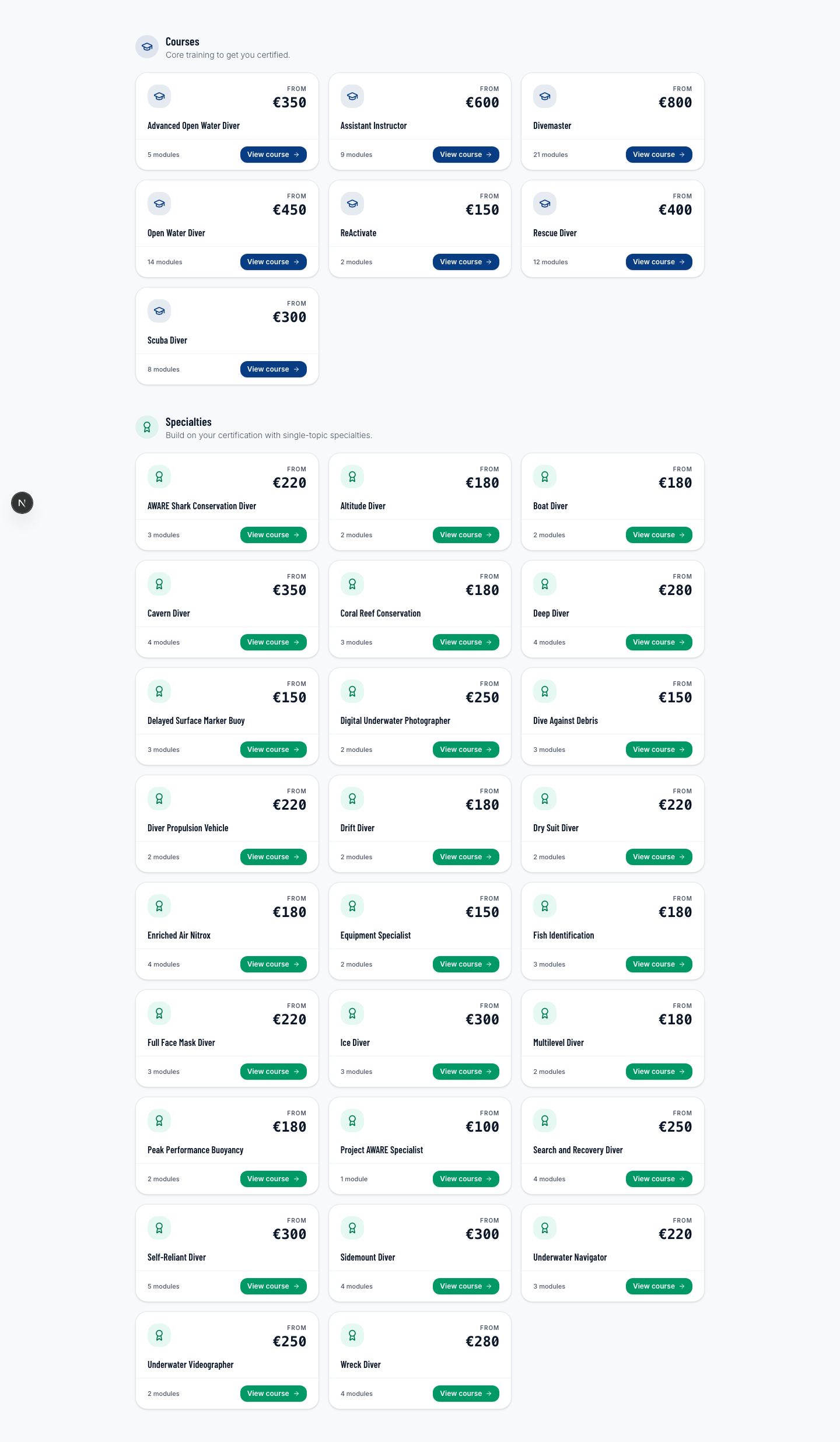
The course detail page shows everything a customer needs to know before enrolling — including the skills they'll learn and entry requirements.
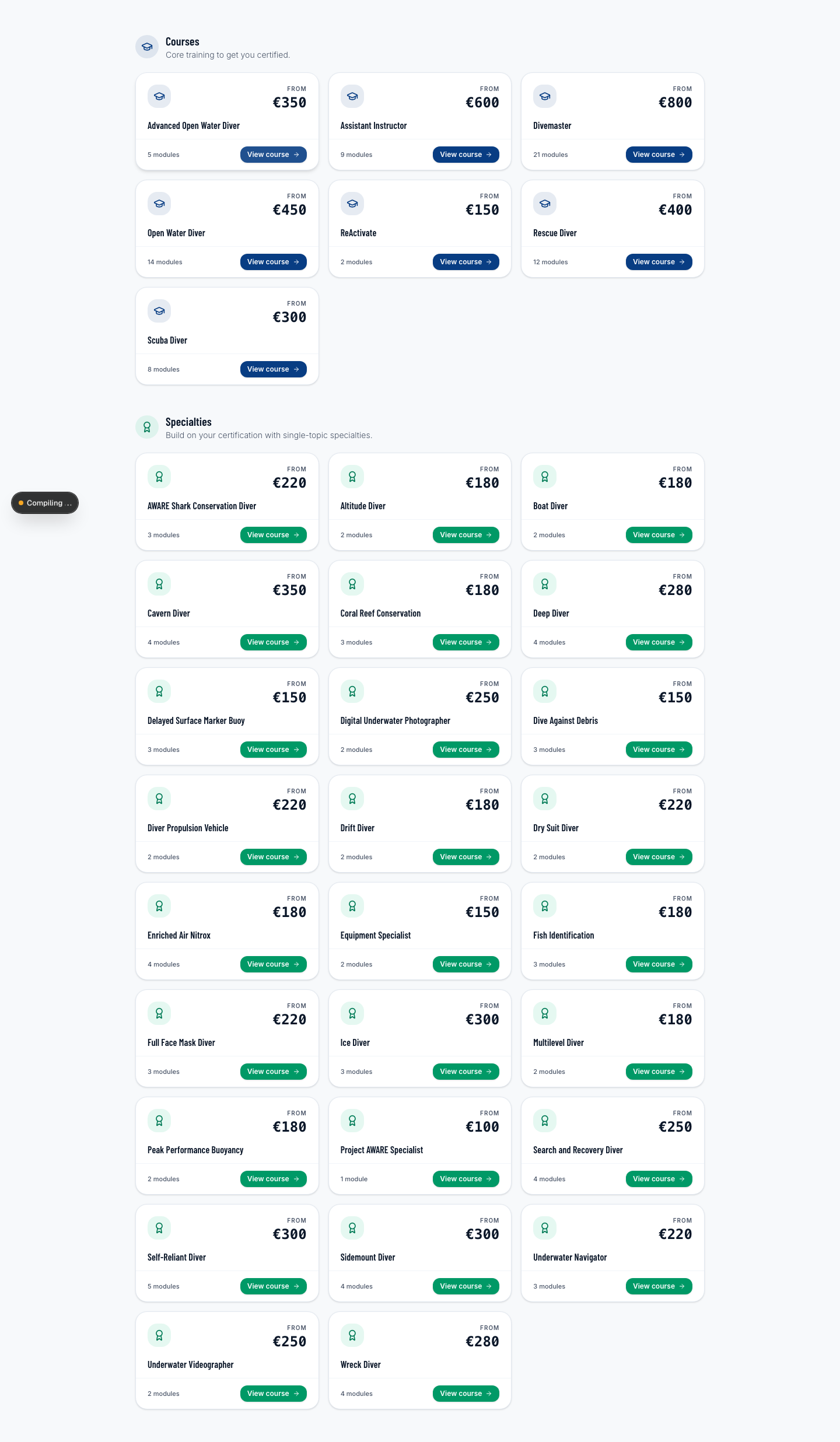
The online booking automatically creates an enrollment in the active cohort and updates the student manifest.
Manual enrollment with desk payment
For customers who walk in or pay in person:
- Open the course cohort under Training → Courses.
- Click + Enroll Student and search for or create the diver.
- Record payment: cash, card, bank transfer, or package credit redemption.
In both cases, payment status is tracked exactly like a regular booking — you can see who has paid, who still owes, and how much.
Skills
Each course has a list of skills — the individual diving competencies a student must demonstrate to complete the course (e.g., "Mask clearing", "Emergency ascent", "Buoyancy control"). Skills are defined in the course catalog.
During training, the instructor rates each skill with a score from 1 to 5 stars per module. The same skill can be rated across multiple modules — this tracks improvement over time ("3 stars in Module 2, 5 stars in Module 6").
The skills × modules matrix is accessible from the training panel and updates in real time — no Save button needed. See Enrollments for details.
Course modules
Each course is divided into modules — the individual sessions that make up the full course. Modules can be:
- Confined water (pool sessions)
- Open water (ocean dives)
- Theory (classroom or e-learning)
Modules are linked to actual trips in the dispatch system — so when you schedule a training dive, it appears on both the dispatch calendar and the student's enrollment record.
Cohorts
A cohort is a group of students who take a course together on the same schedule. Create a cohort when you're ready to run a specific course:
- Go to Training → Courses and select the course.
- Click + New Cohort.
- Set the start date and assign an instructor.
- Enroll students.
Next steps
- Enrollments — how to enroll students and track their progress