Settings
The Settings section lets you configure everything about how DiveManager works for your dive center. Access it from the bottom of the left sidebar.
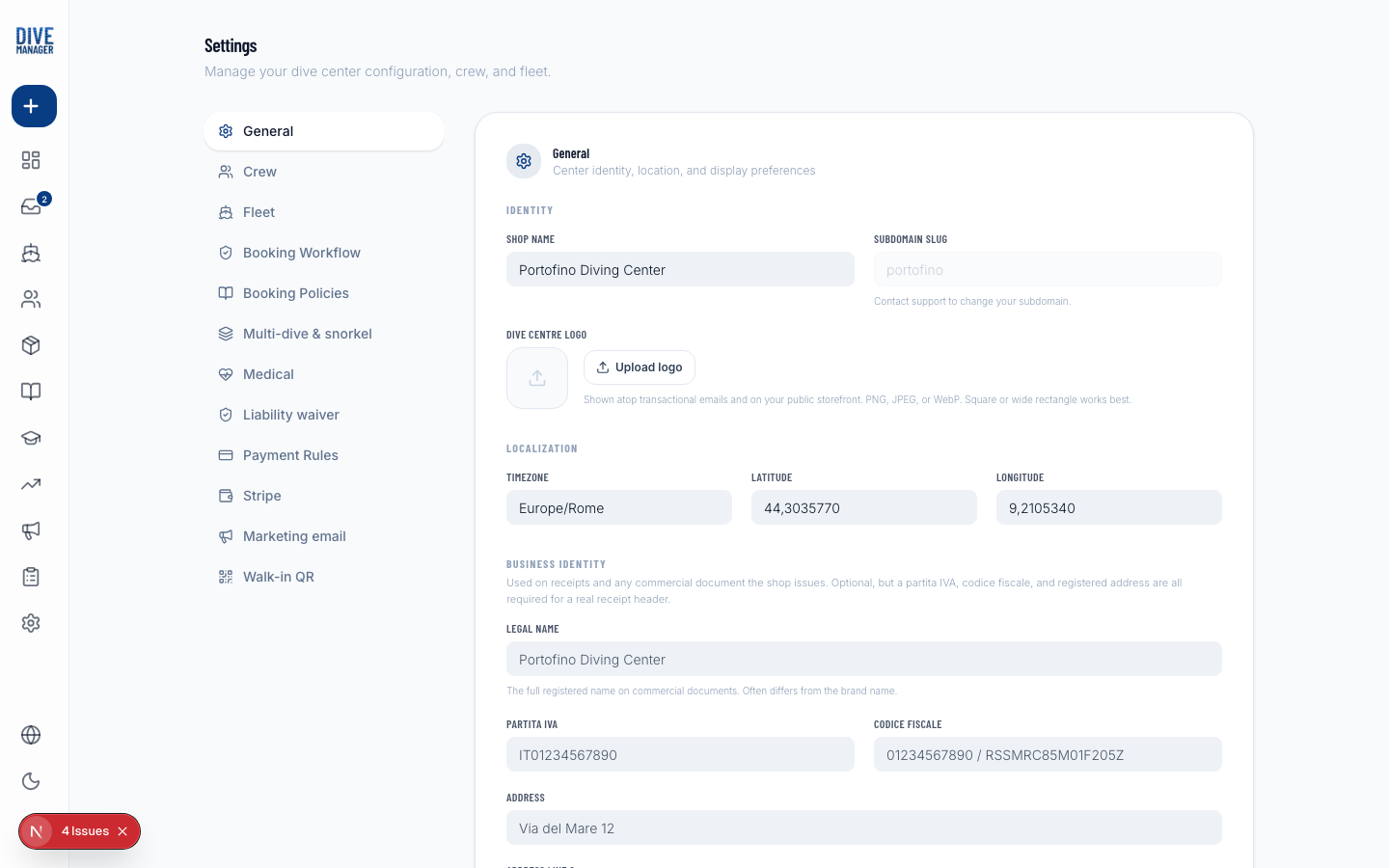
Settings sections
General
Basic information about your dive center:
- Name — shown on the customer-facing booking page, emails, and receipts
- Logo — upload a PNG/JPG; shown in the navigation bar and marketing emails
- Timezone — used for all trip times and scheduling
- Currency — used for prices, packages, and deposits
- Address — shown on invoices and marketing email footers
Vessels
Add and manage your fleet. See Vessels for details.
Staff
Invite team members and set their roles. See Staff & Roles for details.
Marketing Email
Connect your SMTP account to enable campaigns. See Marketing Email for details.
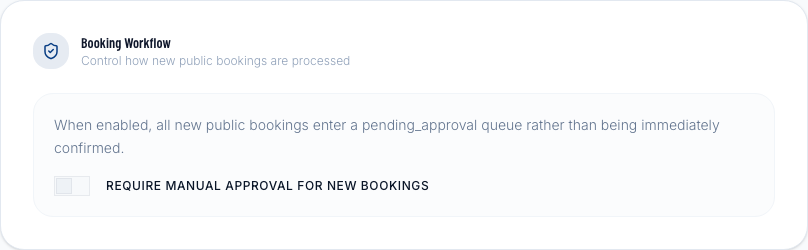
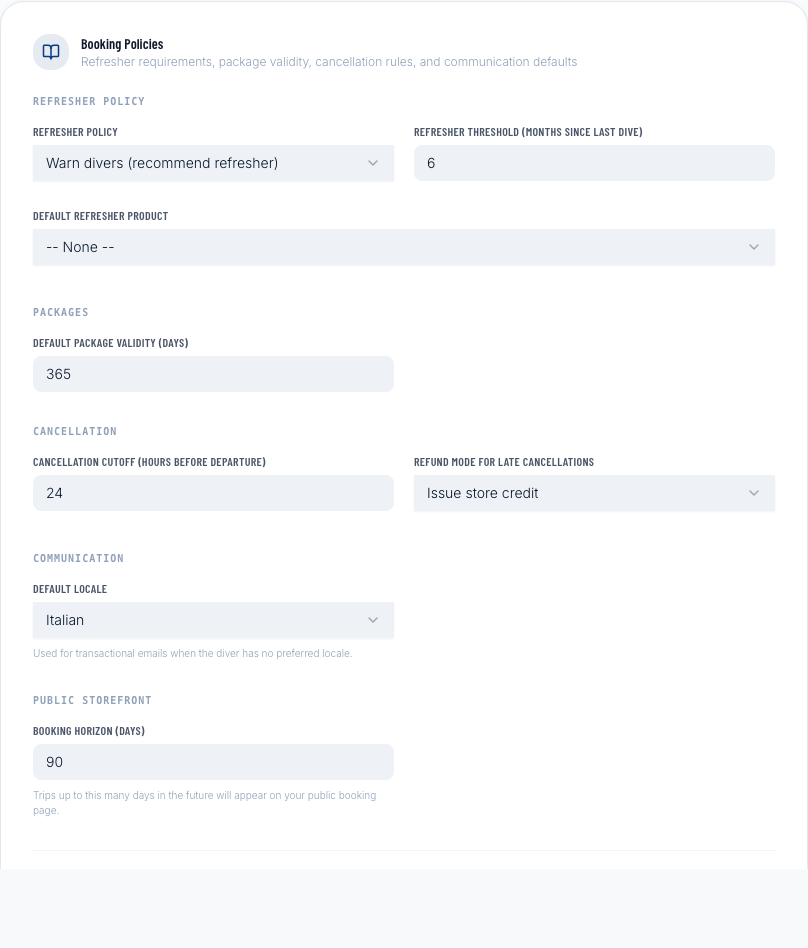
Booking Rules
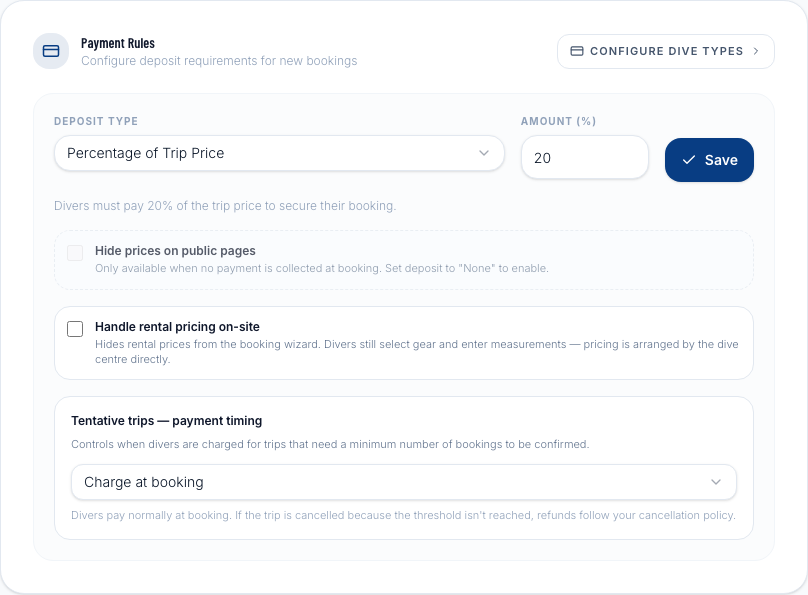
Configure deposit policies, cancellation rules, and which fields are required during online booking.
Dive Types
Manage the categories of dives you offer (e.g., Fun Dive, Night Dive, Wreck Dive). These appear as options when creating a trip and on the booking page.
Qualifications
Define the certification levels your dive center recognizes. The default list covers the most common PADI, SSI, and CMAS levels, but you can add custom ones.
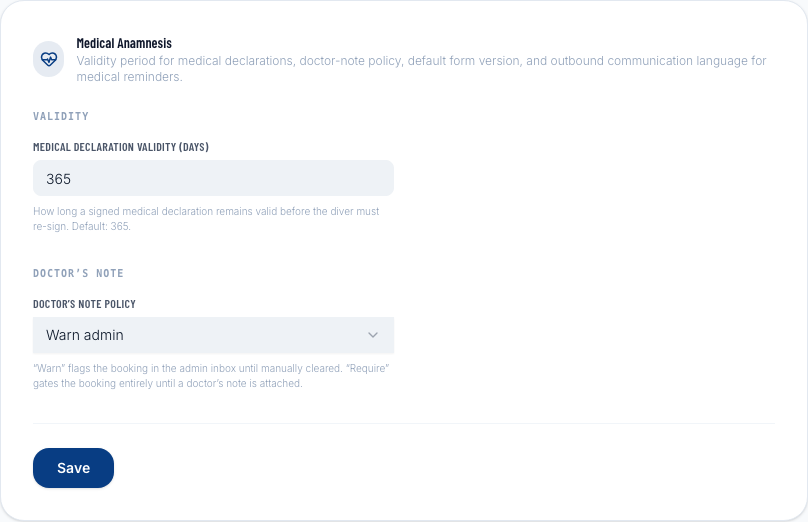
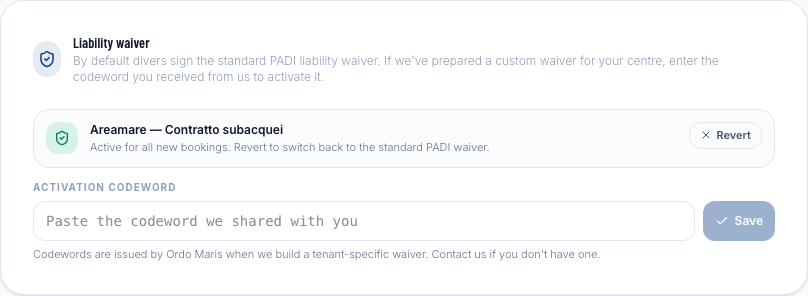
Medical & Waiver
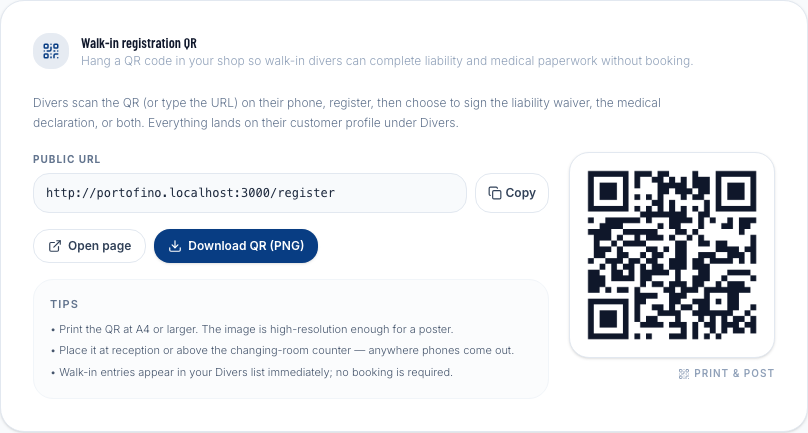
Walk-in link & QR code
Generate a QR code for the front desk that opens the express booking wizard directly on a tablet or smartphone.
Payments
Saving changes
Most settings pages auto-save as you edit. Pages with a Save button require you to click it explicitly. If you navigate away without saving, you'll be prompted to confirm.