Marketing
The Marketing module lets you send professional email campaigns to your divers — newsletters, promotions, seasonal offers, and more — directly from DiveManager. Everything is built-in; no third-party email tool needed.
Key concepts
Email templates
A template is the design and content of an email. You create templates once and reuse them across multiple campaigns. Templates support:
- Drag-and-drop block editor (text, images, buttons, dividers)
- Custom accent color matching your brand
- Preheader text (the preview snippet shown in email clients)
- Locale variants (send the same campaign in Italian to Italian customers and in German to German customers)
Campaigns
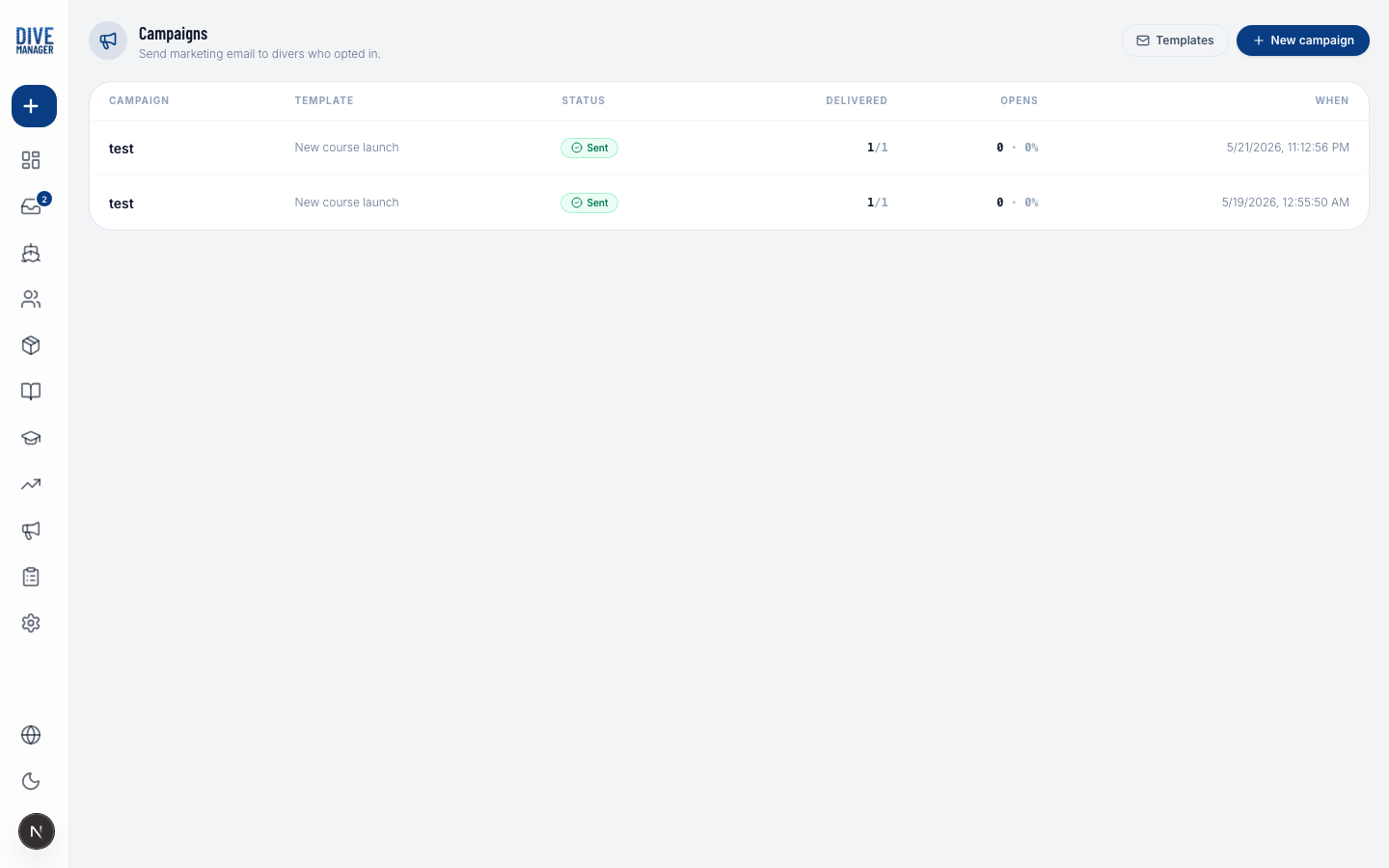
A campaign is a single send of a template to a specific audience. When you launch a campaign, DiveManager:
- Snapshots the audience (freezes the recipient list at send time)
- Personalizes each email (inserts the diver's first name, your dive center name, etc.)
- Sends via your configured SMTP relay
- Tracks opens and unsubscribes in real time
Audience
You define who receives the campaign using filters:
- Certification level (e.g., only Advanced Open Water divers and above)
- Last dive date (e.g., divers who haven't dived with you in over 6 months)
- Marketing consent — only divers who have opted in
You can also manually include or exclude specific divers.
Prerequisites
Before sending your first campaign you must configure a verified SMTP account under Settings → Marketing Email. See Marketing Email Setup for instructions.
Next steps
- Email Templates — create and manage templates
- Campaigns — send a campaign and read the analytics