Diver Profiles
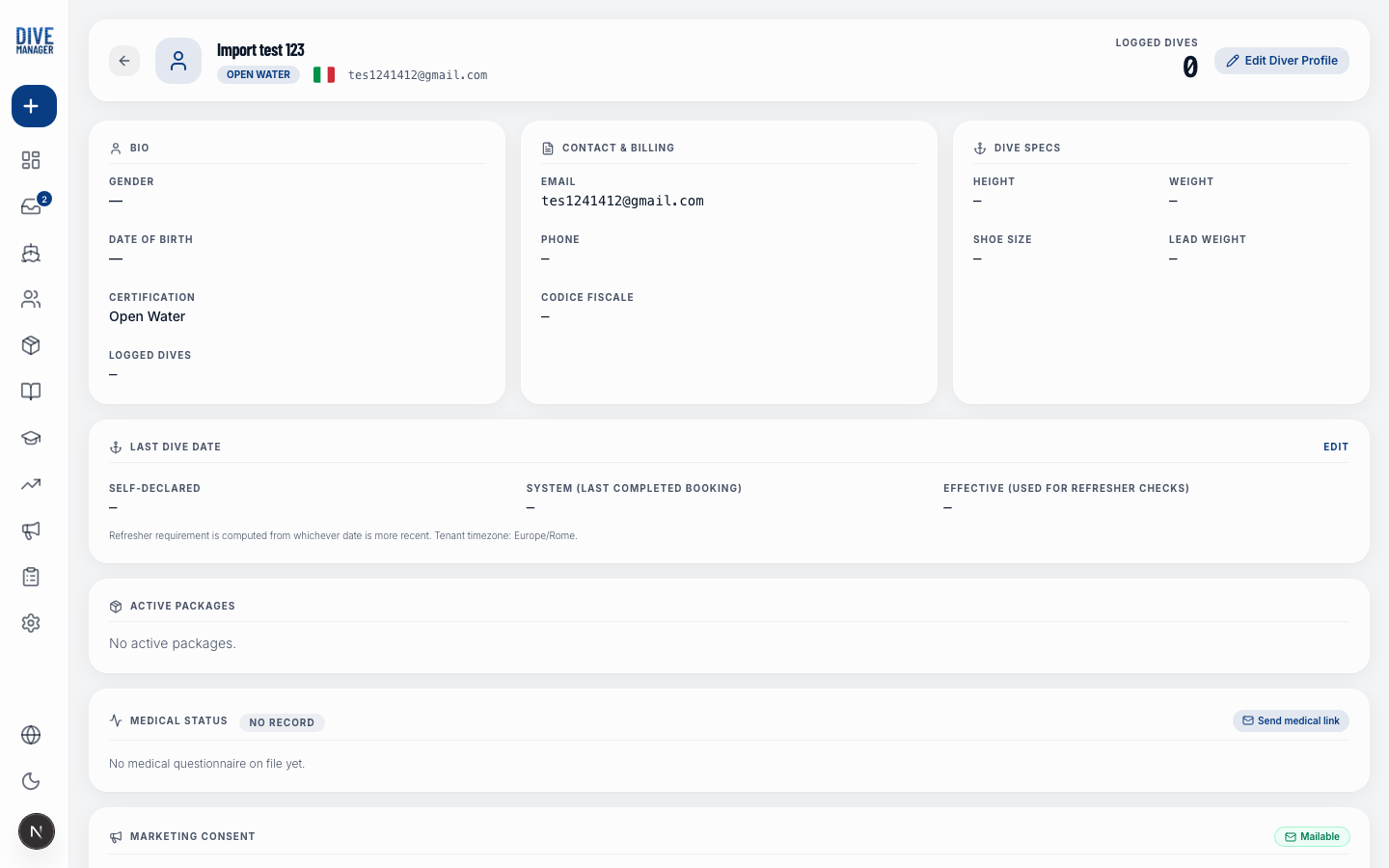
The diver profile page shows everything you know about a customer and lets you update any field at any time.
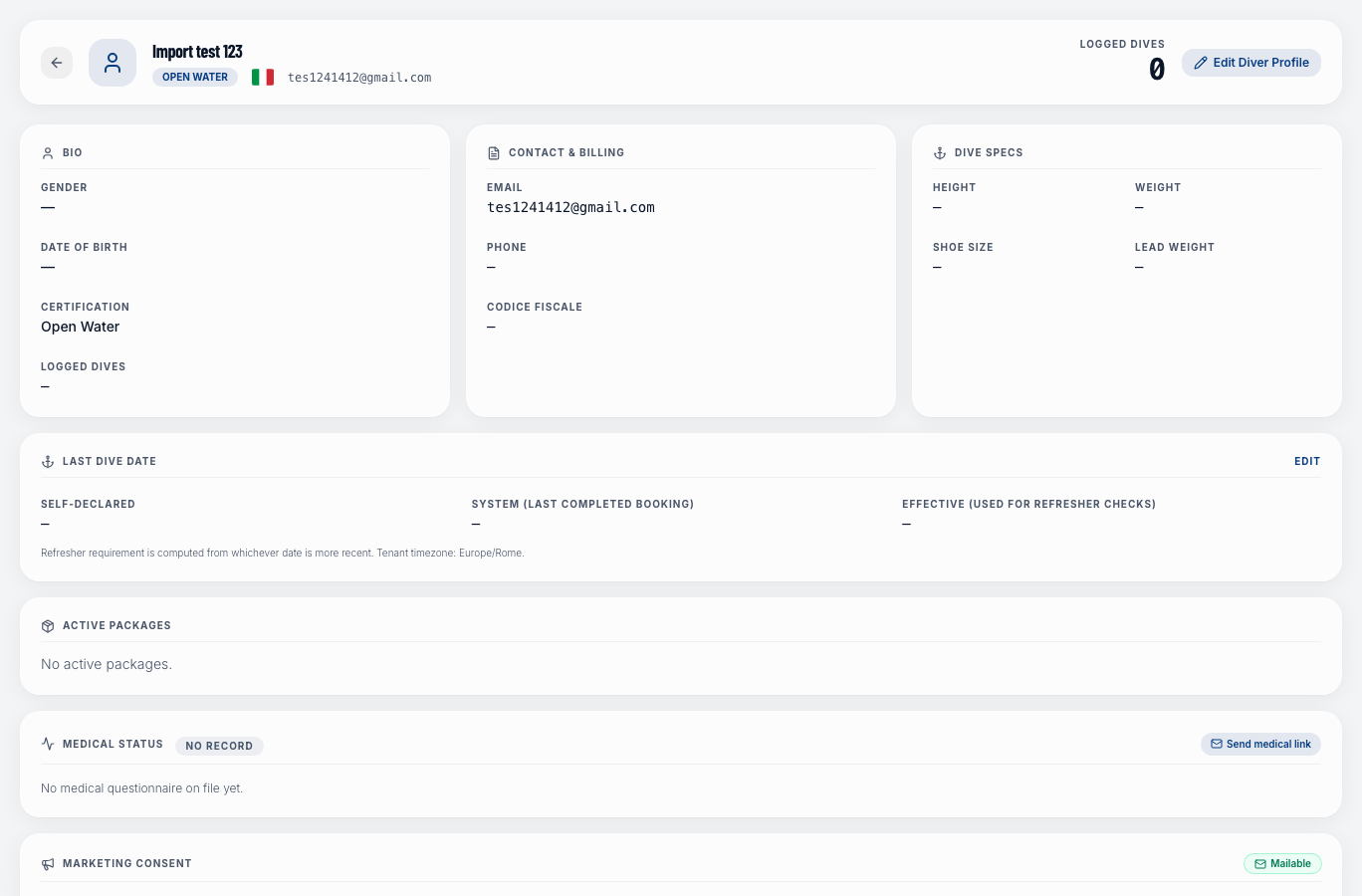
Sections on the profile page
Contact & Personal
| Field | Description |
|---|---|
| First / Last name | The diver's full name |
| Used for booking confirmations and marketing emails | |
| Phone | Including country dial code |
| Country | Country of residence (shown on the profile and useful for reports) |
| Address, City, Postal code | Full address — useful for invoicing |
| Date of birth | Optional |
Certifications & DAN
| Field | Description |
|---|---|
| Certification level | The highest level the diver holds (e.g., Advanced Open Water, Divemaster) |
| Certification federation | The certifying agency — choose from a fixed list: PADI, SSI, CMAS, NAUI, BSAC, TDI/SDI, GUE, IANTD, and many others including freediving agencies (AIDA, Apnea Academy, Molchanovs) |
| DAN number | The diver's Divers Alert Network membership number. Useful to have on hand in case of a dive accident |
Emergency Contact
| Field | Description |
|---|---|
| Emergency contact name | Full name of the person to contact in an emergency |
| Emergency contact phone | Their phone number |
Notes (Internal)
A free-text notes field visible only to your staff. Use it for things like allergies, equipment preferences, or VIP status.
Booking History
The bottom of the profile shows a chronological list of all bookings this diver has made through DiveManager — including trip date, type, status, and payment.
Marketing
Shows whether the diver has given marketing consent and, if they've unsubscribed, when they did so. You can toggle consent here.
Editing a profile
Click the Edit button (pencil icon) at the top of the profile to switch all fields to edit mode. Make your changes and click Save. Click Cancel to discard any changes.